
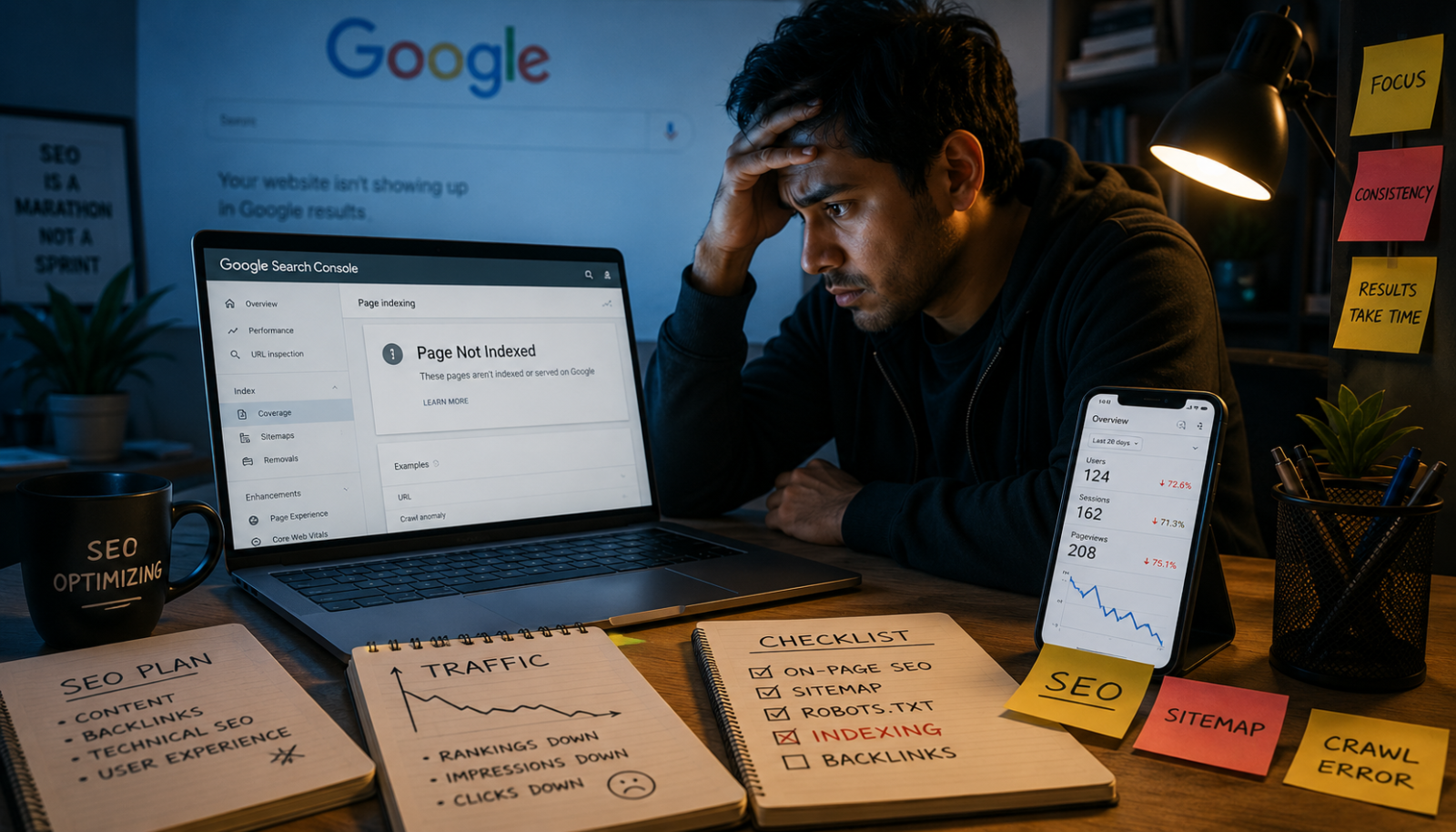
If you recently published a blog post and it still does not appear on Google, you are not alone. Many website owners face indexing issues, especially with new blogs, low-authority websites, or AI-assisted content. The good news is that most indexing problems can be fixed once you understand what Google is looking for.
In this guide, you will learn the most common reasons why Google is not indexing your blog and the practical steps you can take to improve your chances of getting indexed faster.
Google may not index your blog because of poor content quality, technical SEO problems, weak internal linking, duplicate content, slow crawling, or lack of authority signals. To fix indexing issues, improve content quality, submit your sitemap in Google Search Console, request indexing manually, strengthen internal links, and ensure your pages are crawlable and valuable to users.
What Does “Indexed” Mean?
Before diving into solutions, it helps to understand what indexing actually means.
When Google indexes your page, it stores that page in its database so it can appear in search results. If your page is not indexed, people will not find it through Google search, even if the content is published and live.
Think of indexing as getting your page added to Google’s library.
Common Reasons Google Isn’t Indexing Your Blog
1. Your Blog Is Brand New
New websites often experience indexing delays. Google first needs to discover your site, crawl it, and evaluate its quality.
This process can take anywhere from a few hours to several weeks depending on:
- Website authority
- Content quality
- Site structure
- Internal linking
- Backlinks
Many beginners panic after publishing their first few articles, but patience is sometimes part of the process.
2. Your Content Looks Low Quality
Google has become much stricter about content quality, especially after recent helpful content updates.
If your article:
- Repeats generic information
- Sounds robotic
- Lacks original insights
- Uses excessive AI-generated fluff
- Has poor formatting
Google may decide it offers little value to users.
That does not mean AI-written content automatically fails. The problem happens when articles feel mass-produced and provide no real experience or useful context.
What Google Wants Instead
Google prefers content that:
- Solves real problems
- Includes practical examples
- Feels naturally written
- Answers search intent clearly
- Demonstrates expertise
Adding personal observations, realistic examples, and smoother transitions can make a major difference.
3. You Forgot to Submit Your Sitemap
A sitemap helps Google discover your pages faster.
Without it, Google may struggle to understand your website structure, especially on newer sites with limited backlinks.
How to Fix It
- Open Google Search Console
- Go to Sitemaps
- Submit your sitemap URL
Usually it looks like:
yourdomain.com/sitemap.xml
This simple step can speed up crawling significantly.
4. Your Pages Are Blocked from Crawling
Sometimes blogs accidentally block Google bots.
This often happens because of:
- Incorrect robots.txt settings
- “Noindex” tags
- WordPress visibility settings
- SEO plugin misconfigurations
A single setting can prevent your entire blog from appearing in search results.
Check These Areas
- Robots.txt file
- Meta robots tags
- WordPress “Discourage search engines” setting
- Canonical tags
Even experienced site owners occasionally overlook these technical details after redesigning a website or changing plugins.
5. Your Site Has Weak Internal Linking
Google discovers many pages through internal links.
If your new article is isolated with no links pointing to it, Google may treat it as unimportant.
Better Internal Linking Strategy
Link new posts from:
- Homepage
- Category pages
- Older blog posts
- Related content sections
For example, if you publish an article about SEO mistakes, connect it naturally to articles about keyword research, content optimization, or Google Search Console.
This creates stronger topical relevance across your website.
6. Your Website Loads Too Slowly
Page speed affects crawling efficiency and user experience.
If your website is extremely slow, Google may crawl fewer pages.
Common speed problems include:
- Heavy images
- Cheap hosting
- Too many plugins
- Unoptimized themes
- Excessive scripts
A fast-loading website not only helps indexing but also improves rankings and user retention.
7. Duplicate or Thin Content
Google avoids indexing pages that look repetitive or offer minimal value.
This is especially common on websites publishing large volumes of similar AI-assisted articles without adding unique insights.
Thin Content Examples
- 300-word generic articles
- Near-identical blog posts
- Auto-generated pages
- Keyword-stuffed content
- Empty category pages
Instead of publishing 50 weak articles, focus on creating fewer but genuinely helpful posts.
Quality almost always wins long term.
8. Your Website Has No Authority Yet
Google trusts established websites more.
A brand-new blog with zero backlinks may struggle to get indexed consistently at first.
Ways to Build Authority
- Publish original content regularly
- Earn backlinks naturally
- Share content on social media
- Improve topical authority
- Build niche relevance
Over time, Google begins crawling authoritative websites more frequently.
How to Check If Google Indexed Your Blog
You can quickly check indexing status using this search:
site:yourdomain.com/post-url
If your page appears, it is indexed.
Check in Google Search Console under:
- Pages
- Indexing
- URL Inspection Tool
This provides detailed information about crawl errors and indexing status.
Fast Ways to Improve Blog Indexing
Request Indexing Manually
Inside Google Search Console:
- Paste your article URL
- Click “Request Indexing”
This often speeds up the process.
Publish Higher-Quality Content
Before publishing, ask yourself:
- Does this article answer the user’s question better than competitors?
- Is it easy to read?
- Does it sound natural?
- Does it include useful insights?
Human-focused content performs far better than content written only for search engines.
Improve Content Structure
Use:
- Clear headings
- Short paragraphs
- Bullet points
- Relevant examples
- Helpful formatting
Good formatting improves both user experience and crawl understanding.
Update Old Articles
Refreshing outdated content can trigger fresh crawling activity.
Simple updates include:
- Adding recent information
- Improving readability
- Fixing broken links
- Expanding thin sections
Even a minor update to your content can sometimes encourage Google to crawl and index the page again.
Final Thoughts
When Google doesn’t index your blog, the problem is often linked to weak content, technical SEO errors, poor crawl accessibility, or a lack of website authority rather than simple bad luck.
A common mistake many bloggers make is focusing only on publishing more articles. In reality, faster and more consistent indexing usually comes from improving content value, website structure, and the overall user experience.
The best long-term strategy is simple:
- Create genuinely useful content
- Build a clean site structure
- Optimize technical SEO
- Stay consistent
Once Google begins trusting your website, indexing becomes much faster and more reliable.