
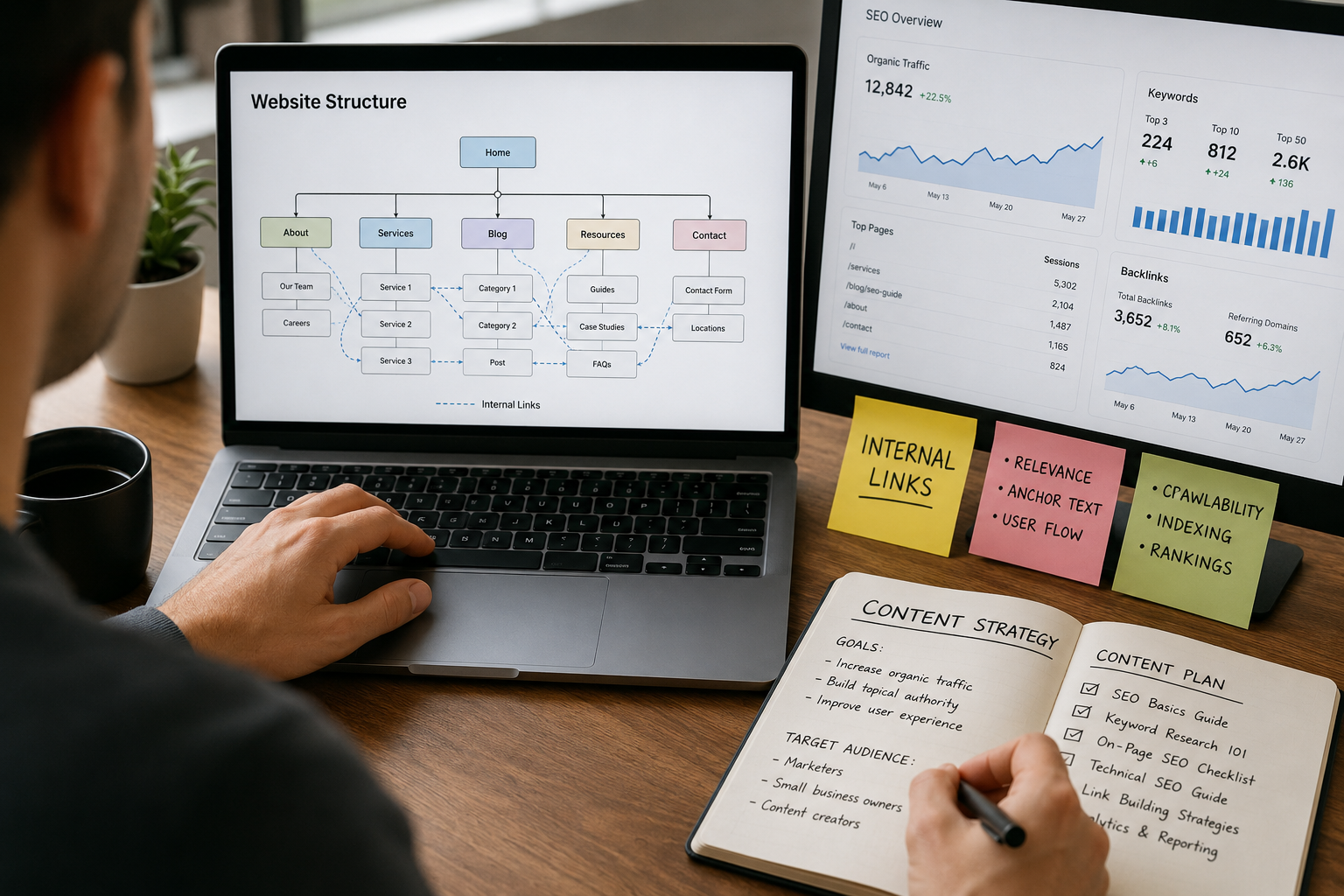
If you have ever published a blog post and wondered why it is not ranking despite good content, the problem may not be your writing at all. In many cases, websites struggle because they ignore one simple SEO strategy: internal linking.
Internal links help search engines understand your website structure while guiding readers toward more useful content. When used correctly, they can improve rankings, increase page views, reduce bounce rates, and help Google index pages faster.
In this guide, you will learn exactly how internal linking helps SEO, why it matters, and how to build an effective internal linking strategy without overdoing it.
Internal linking helps SEO by connecting related pages within a website, making it easier for search engines to crawl and understand content. Strong internal links improve page authority, enhance user experience, increase time on site, and help important pages rank higher in Google search results. A well-structured internal linking strategy also boosts website navigation and indexing efficiency.
What Is Internal Linking?
Internal linking is the process of connecting one page of your website to another page within the same website. These links help readers discover related content while also helping search engines understand how your site is organized.
For instance, if you publish a blog post about keyword research and naturally link it to another article about on-page SEO, that connection is considered an internal link.
In real-world terms, internal links work like pathways between rooms in a house. Without them, visitors may struggle to find useful information beyond the page they first landed on. With a strong internal linking structure, users can move smoothly from one topic to another, spending more time exploring your content.
Search engines benefit as well. Internal links help Google crawl your website more efficiently, identify your most important pages, and better understand the relationship between different topics across your site.
Why Internal Linking Matters for SEO
Many website owners focus heavily on backlinks while completely ignoring their internal pages. However, internal linking is one of the easiest SEO improvements you can control directly.
Here are the main reasons it matters.
1. Helps Search Engines Crawl Your Website
Search engines like Google use bots to discover content. Internal links guide those bots from one page to another.
If a page has no internal links pointing to it, Google may struggle to find or prioritize it. These pages are often called “orphan pages.”
A strong internal linking structure ensures your content gets discovered and indexed more efficiently.
2. Passes Link Authority Between Pages
Some pages on your website naturally gain more authority than others. Internal linking allows you to share some of that authority with other important pages.
For example:
- A high-traffic blog post can support a newer article
- Your homepage can strengthen service pages
- Popular guides can boost low-performing content
This process helps improve rankings across your site instead of concentrating all SEO value on one page.
3. Improves User Experience
Good SEO is not only about search engines. It is also about helping real people navigate your content easily.
When readers find useful related articles through internal links, they stay longer on your website and explore more pages.
Imagine reading a guide about blogging mistakes and seeing a helpful link to an article about keyword research. That feels natural and useful rather than forced.
This creates a smoother browsing experience and encourages engagement.
4. Reduces Bounce Rate
A bounce happens when someone visits one page and leaves without interacting further.
Internal links encourage visitors to continue exploring your website. The more pages they visit, the lower your bounce rate may become.
While bounce rate itself is not a direct ranking factor, better engagement signals often contribute to stronger overall SEO performance.
5. Helps Google Understand Content Relationships
Internal links provide context about your content topics.
For instance, if multiple articles link to a page using anchor text like “technical SEO checklist,” Google gains stronger signals about what that page is about.
This improves topical relevance and strengthens your website authority within a niche.
Best Practices for Internal Linking
Not all internal links are equally valuable. Randomly adding links everywhere can actually confuse users and weaken your SEO structure.
Here are the best practices that work consistently.
Use Clear and Relevant Anchor Text
Anchor text is the visible, clickable wording used in a hyperlink. It may seem like a small detail, but it plays a big role in both SEO and user experience.
Many websites still use vague phrases like:
- Click here
- Read more
- Learn this
The problem is that these generic links give readers no idea what they will find after clicking.
Instead, use specific and descriptive anchor text that clearly explains the destination page. For example:
- Advanced keyword research guide
- On-page SEO checklist
- Website speed optimization tips
This approach feels more natural for readers and helps search engines better understand the topic of the linked page. Well-written anchor text also improves website navigation by guiding visitors toward relevant information they are genuinely interested in exploring.
Link to Relevant Content Only
One common mistake is forcing unrelated links into articles simply for SEO purposes.
Your internal links should always feel natural and useful.
If an article about technical SEO suddenly links to dog training tips, it creates confusion and damages user trust.
Relevance matters more than quantity.
Prioritize Important Pages
Not every page on your site has equal value.
Focus internal links toward pages that matter most, such as:
- Service pages
- Product pages
- High-converting blog posts
- Cornerstone content
- Important category pages
This helps search engines recognize priority pages on your website.
Avoid Excessive Linking
Too many internal links on one page can overwhelm readers and dilute SEO value.
A helpful rule is to prioritize quality over quantity. Add links where they genuinely improve the reading experience.
In longer guides, several internal links are normal. In short posts, fewer links usually work better.
Update Older Articles With New Links
Internal linking should not only happen when publishing new content.
Go back to older blog posts and add links to your latest articles. This keeps content fresh and distributes authority more effectively across your site.
Many successful websites improve rankings simply by updating older posts with smarter internal links.
Common Internal Linking Mistakes
Even experienced bloggers sometimes misuse internal links.
Here are mistakes worth avoiding.
Using the Same Anchor Text Everywhere
Repeating identical anchor text excessively can look unnatural. Vary your phrasing naturally while keeping relevance clear.
Ignoring Deep Pages
Many websites only link to homepage-level content. Important articles buried deeper in your site structure may never receive enough visibility.
Creating Broken Internal Links
Broken links damage user experience and waste crawl resources. Regularly check your website for outdated or incorrect URLs.
Over-Optimizing for Keywords
Stuffing exact-match keywords into every anchor text can appear manipulative. Write naturally for humans first.
Internal Linking and Topic Clusters
Modern SEO increasingly relies on topic authority.
One effective strategy is building topic clusters:
- A main pillar article covers a broad topic
- Supporting articles explore subtopics
- All pages link together strategically
For example:
Main pillar:
- Complete SEO Guide
Supporting articles:
- Keyword Research Tips
- On-Page SEO Basics
- Technical SEO Checklist
- Link Building Strategies
This structure helps search engines understand your expertise across an entire subject area.
How Many Internal Links Should You Use?
There is no perfect number.
The right amount depends on:
- Content length
- User intent
- Website structure
- Topic complexity
A 3,000-word guide may naturally include 10-20 internal links, while a shorter article may only need a few.
Focus on usefulness rather than hitting a specific number.
Final Thoughts
Internal linking may seem like a small part of SEO, but its impact can grow significantly over time. Many website owners spend months chasing backlinks while overlooking the pages already sitting on their own site. In reality, connecting your content strategically can make a noticeable difference in how both users and search engines interact with your website.
One of the biggest advantages of internal linking is control. You decide which pages deserve more visibility, which articles should support each other, and how visitors move through your content. When done naturally, internal links help search engines understand your website better while also keeping readers engaged for longer.
The good news is that you do not need expensive SEO software or advanced technical knowledge to improve your internal linking structure. Sometimes, simply updating older articles with relevant links to newer content can strengthen your overall SEO performance.
Over time, these small adjustments add up. A well-connected website feels more useful, easier to navigate, and more trustworthy, both for readers and for Google.